
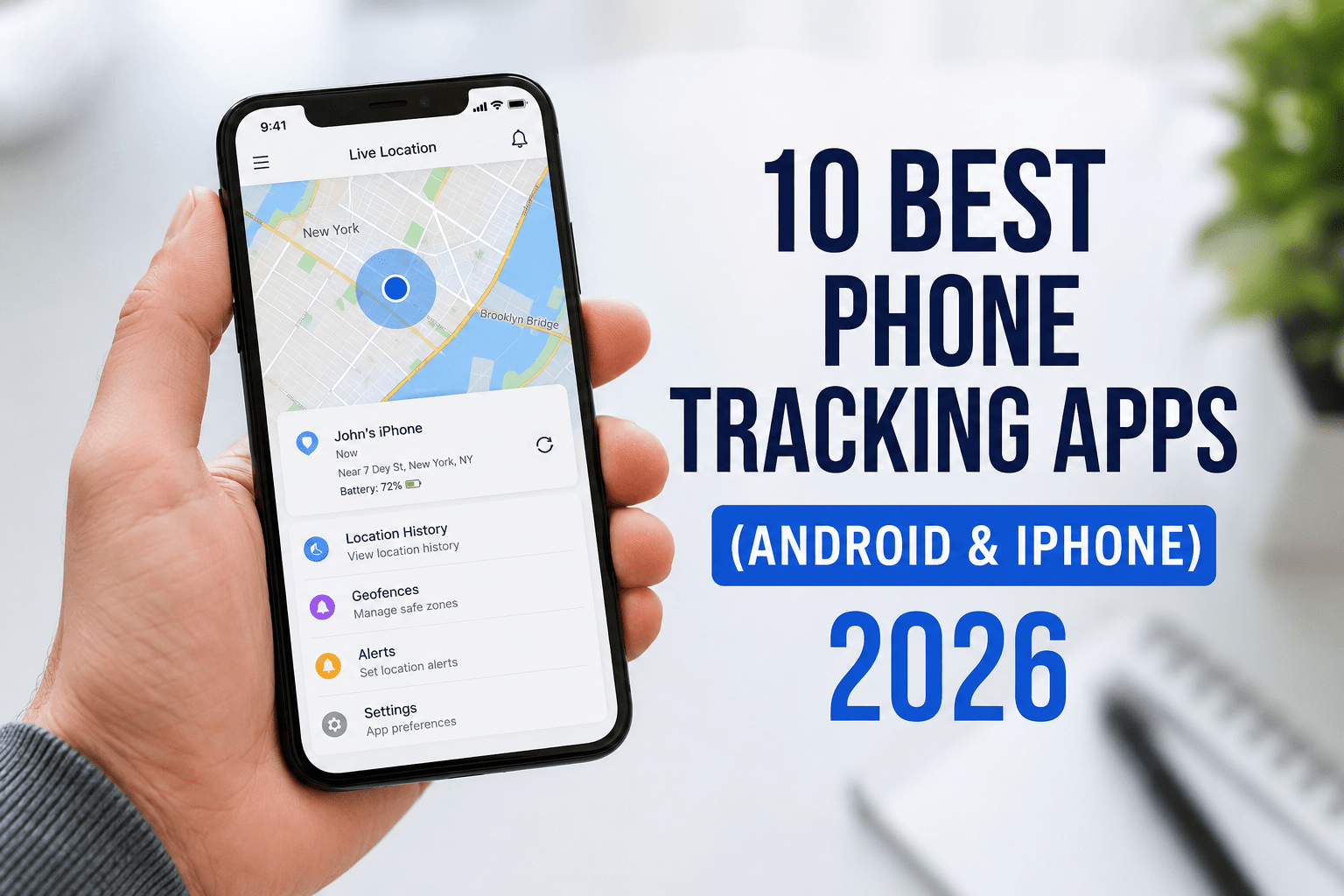
May 2026 18 min read Android & iOS Worldwide
Whether you manage a fleet of corporate devices for a global IT firm or oversee smartphones assigned to students across a university campus, keeping track of those devices is no longer optional — it is a core operational requirement. Lost devices mean data breaches. Unmonitored field staff means productivity gaps. For IT administrators, a reliable phone tracking app is as essential as a firewall.
The challenge is that the market is saturated. Dozens of apps claim to offer real-time GPS tracking, geofencing, and remote management, yet most underdeliver on at least one of those promises. Choosing the wrong tool can expose your organization to privacy liabilities, compliance violations, or simply wasted licensing costs.
This guide cuts through the noise. We evaluated the 10 best phone tracking apps that genuinely work in 2026 — apps built for professional environments, tested against real enterprise and institutional requirements, and rated on transparency, accuracy, and value. By the end, you will know exactly which solution fits your organization.
Table of Contents
- What is a Phone Tracking App & Why It Matters
- Factors to Consider Before Choosing
- 10 Best Phone Tracking Apps — Detailed Profiles
- Comparison Table
- FAQs
- Conclusion & Recommendation
1. What is a Phone Tracking App & Why It Matters
A phone tracking app is software that monitors the real-time or historical location of a mobile device — and in enterprise contexts, much more besides. Modern platforms combine GPS tracking with mobile device management (MDM), app control, data usage monitoring, and compliance reporting.
For IT departments at corporations, these tools are used to manage company-owned devices, enforce security policies, and recover stolen hardware. For universities and research institutions, they help track field researchers, manage shared device pools, and ensure students on international programs remain reachable.
The global enterprise mobility management market is projected to exceed $20 billion by 2027, driven partly by the explosion of remote and hybrid work. As device counts grow, so does the complexity of managing them — and the stakes of losing one. A single unencrypted, untracked phone can cost an organization hundreds of thousands in breach remediation.
Beyond security, tracking apps deliver operational value: route optimization for logistics teams, attendance verification for remote workers, and asset auditing for IT inventory. Used ethically and transparently — with employee or student consent — they are a cornerstone of modern device governance.
2. Factors to Consider Before Choosing
Not every tracking solution is right for every organization. Before committing to a platform, weigh these key criteria:
GPS AccuracyLook for real-time updates with sub-50m accuracy. Batch-reporting apps miss the mark for field ops.
Platform SupportConfirm both Android and iOS are fully supported — not just partially. Feature parity matters.
Privacy & ComplianceGDPR, CCPA, and FERPA (for universities) compliance is non-negotiable. Check data residency too.
MDM IntegrationEnterprise buyers need integration with existing MDM/EMM stacks — Jamf, Microsoft Intune, etc.
Consent & TransparencyApps must clearly notify the tracked individual. Covert tracking of adults is illegal in most jurisdictions.
Pricing ModelPer-device monthly fees add up fast. Evaluate total cost at your actual device count before choosing.
3. The 10 Best Phone Tracking Apps (2026)
#1
Microsoft Intune (with Location Services)
Android & iOSPaid
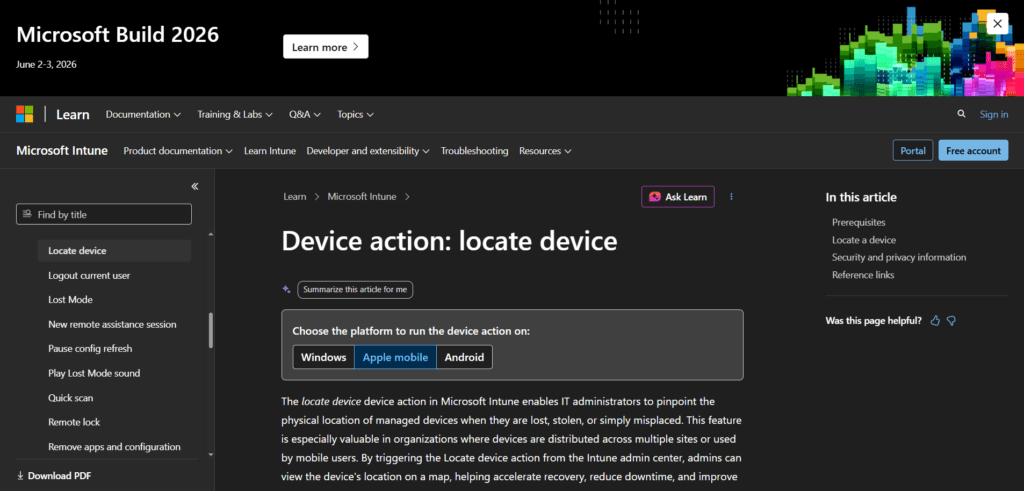
Microsoft Intune is an industry-leading enterprise mobility management platform used by thousands of Fortune 500 companies and major universities. Its built-in device location features, combined with deep Azure Active Directory integration, make it the gold standard for organizations already invested in the Microsoft 365 ecosystem.
Key Features
- Real-time device location for enrolled corporate devices
- Conditional access policies based on location
- Remote wipe, lock, and retire lost devices
- Full MDM + MAM (Mobile App Management) coverage
- Compliance reporting dashboards
- Integration with Microsoft Defender for Endpoint
Ideal Use Case
Large IT departments managing thousands of enrolled corporate Android and iOS devices, particularly in regulated industries (finance, healthcare, education).
Pros
- Seamless Microsoft 365 integration
- Highly granular policy controls
- Globally trusted — GDPR & HIPAA ready
- Excellent scalability for large fleets
Cons
- Steep learning curve for new admins
- Licensing costs escalate with user count
- Tracking features secondary to MDM focus
Pricing:From $8/user/month (Intune Plan 1). Included in Microsoft 365 Business Premium ($22/user/month).
Best For: Large IT-driven enterprises and universities with existing Microsoft infrastructure.
#2
Jamf Pro (with Location Tracking)
iOS & macOSPaid
Jamf Pro is the preferred MDM solution for Apple-centric organizations — from tech companies running all-Mac environments to universities that deploy iPads and iPhones campus-wide. Its location tracking is deeply integrated with Apple’s native APIs, delivering accuracy and reliability that no third-party tool can match on Apple hardware.
Pros
- Best-in-class Apple device management
- Native Find My integration for lost devices
- Strong compliance and audit reporting
- Widely used by higher education institutions
Cons
- Apple ecosystem only — no Android
- Premium pricing for smaller teams
- Complex initial deployment
Pricing:From $4.17/device/month (annual). Jamf for Education pricing available.
Best For: Apple-first IT departments, K-12 institutions, and universities running iOS/macOS fleets.
#3
Google Workspace & Android Enterprise (MDM)
AndroidPaid
For organizations standardized on Google Workspace (formerly G Suite), Android Enterprise with Google’s built-in MDM offers native device tracking without additional licensing overhead. IT admins can locate, lock, and wipe Android devices from the Google Admin Console — making it a cost-effective option for Android-heavy environments.
Pros
- No extra cost for Google Workspace subscribers
- Native Android integration — highly reliable
- Zero-touch enrollment for large rollouts
Cons
- Limited iOS support
- Less granular than dedicated MDM platforms
- Tracking features tied to enrollment status
Pricing:Included with Google Workspace plans from $6/user/month.
Best For: SMBs and universities running Android devices within a Google Workspace environment.
#4
Samsara Fleet & Asset Tracking
Android & iOSPaid
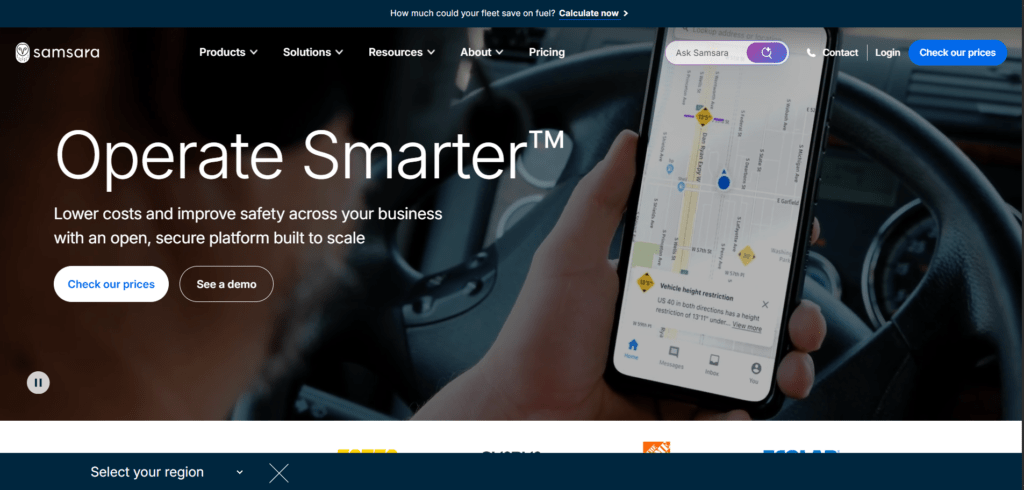
Samsara is widely deployed by logistics, utilities, and field services companies that need real-time location tracking for both mobile workers and vehicles. Its mobile app delivers GPS accuracy within meters, live driver tracking, and automated route analytics — all surfaced through one of the cleanest operations dashboards in the market.
- Real-time GPS with 2.5-second location refresh rates
- Geofencing with automated alerts for zone entry/exit
- Driver performance and hours-of-service monitoring
- Integration with ERP and payroll systems
- Dashcam and IoT sensor integrations
Pros
- Exceptional GPS refresh speed
- Powerful geofencing automation
- Extensive third-party integrations
Cons
- Overkill for non-field-ops use cases
- Higher price point than pure MDM tools
- Hardware add-ons increase cost
Pricing:Custom quotes. Typically $25–$45/vehicle or user/month depending on features.
Best For: IT and operations teams managing field technicians, delivery fleets, or utility workers.
#5
Life360 for Business
Android & iOSFreemium
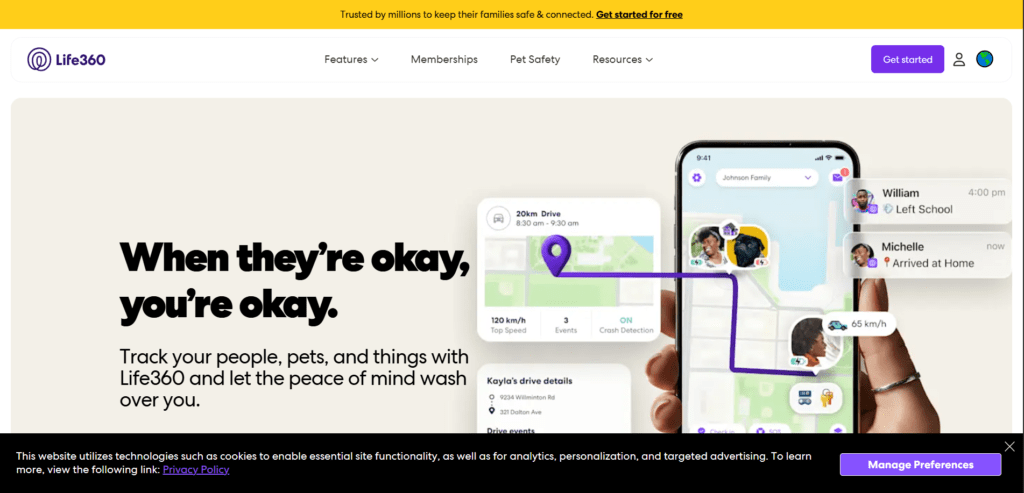
Life360 started as a family safety app but has evolved into a capable small-business and campus safety platform. Universities increasingly use Life360 to monitor the safety of students on international programs or outdoor research expeditions. Its interface is user-friendly enough that non-technical staff can adopt it without training.
Pros
- Very easy to set up and use
- SOS/emergency alert features built in
- Free tier available for small groups
- Used widely on US college campuses
Cons
- Not a true MDM — no device control
- Data privacy concerns raised in past audits
- Business features require premium plan
Pricing:Free basic tier; Life360 Platinum at $19.99/month per circle (up to 20 members).
Best For: Universities, research departments, and small teams needing lightweight location sharing with safety features.
#6
Prey Anti-Theft & Device Tracking
Android & iOSFreemium
Prey has been trusted by IT administrators for over a decade and is especially popular in educational institutions and NGOs operating in regions with high device theft risk. Beyond GPS location, Prey can silently photograph a thief using the device’s front camera — a forensic capability that has contributed to hundreds of device recoveries worldwide.
- GPS + WiFi triangulation for location accuracy
- Remote lock, alarm trigger, and data wipe
- Silent front-camera photo capture on theft
- Multi-device dashboard (phones, laptops, tablets)
- Geofencing alerts
- GDPR-compliant data handling
Pros
- Strong anti-theft forensics
- Cross-device (mobile + laptops)
- Trusted by 600+ universities worldwide
Cons
- Free tier limited to 3 devices
- Photo capture can raise privacy questions
- Refresh rate slower than fleet-grade tools
Pricing:Free (3 devices); Business plans from $1.99/device/month (volume pricing available).
Best For: Universities and IT teams prioritizing anti-theft and device recovery over continuous monitoring.
#7
Rippling Device Management
Android & iOSPaid
Rippling is a workforce management platform that includes MDM and device tracking as part of its broader HR and IT operations suite. For fast-growing tech companies, it is particularly powerful because device enrollment is triggered automatically during employee onboarding — zero manual IT intervention required.
Pros
- Auto-enrollment tied to HR onboarding
- Unified HR + IT + Payroll platform
- Policy enforcement at scale
- Strong audit trail for compliance
Cons
- Tracking features bundled — not standalone
- Higher per-seat cost for small teams
- Less specialized than pure MDM tools
Pricing:From $8/user/month (core HR). MDM included as an add-on module; total cost varies by bundle.
Best For: High-growth IT companies and startups wanting unified HR and device management in one platform.
#8
Cerberus Security & Anti-Theft
AndroidPaid
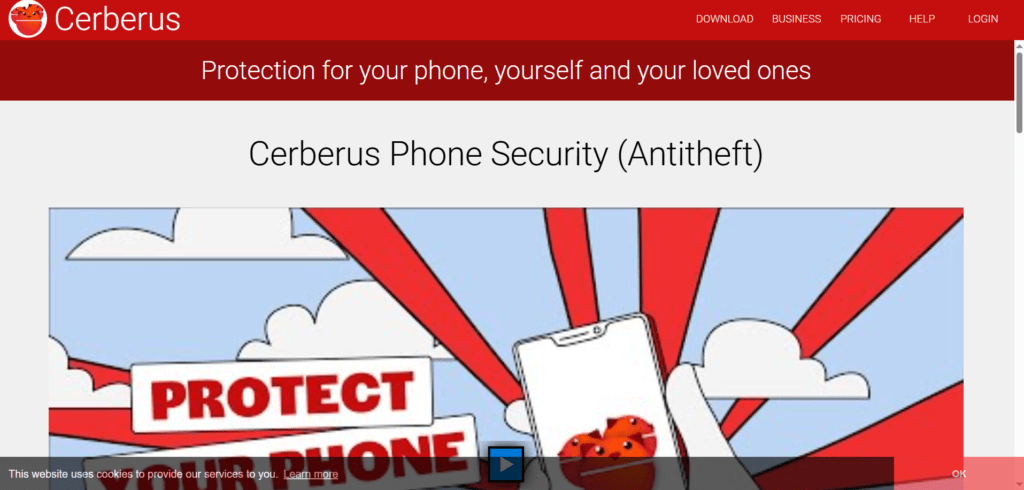
Cerberus is a specialist Android tracking and anti-theft app with a cult following among IT security professionals. It operates with an extremely low battery footprint and continues tracking even after a factory reset — thanks to system-level integration available on supported Android builds. For organizations deploying custom Android hardware (kiosks, ruggedized devices), it is a compelling choice.
- Post-factory-reset persistence (on supported ROMs)
- SMS-based remote control as fallback when data is off
- Front and rear camera triggered remotely
- SIM change alerts with new number forwarding
- Low battery consumption architecture
Pros
- Extremely lightweight on battery
- Works without internet via SMS fallback
- Excellent for custom Android deployments
Cons
- Android only
- System-level features require rooted/custom devices
- UI feels dated compared to modern platforms
Pricing:~$3.00/year (personal); business licensing available on request.
Best For: IT teams managing custom Android deployments, kiosk devices, or ruggedized field hardware.
#9
ManageEngine Mobile Device Manager Plus
Android & iOSPaid
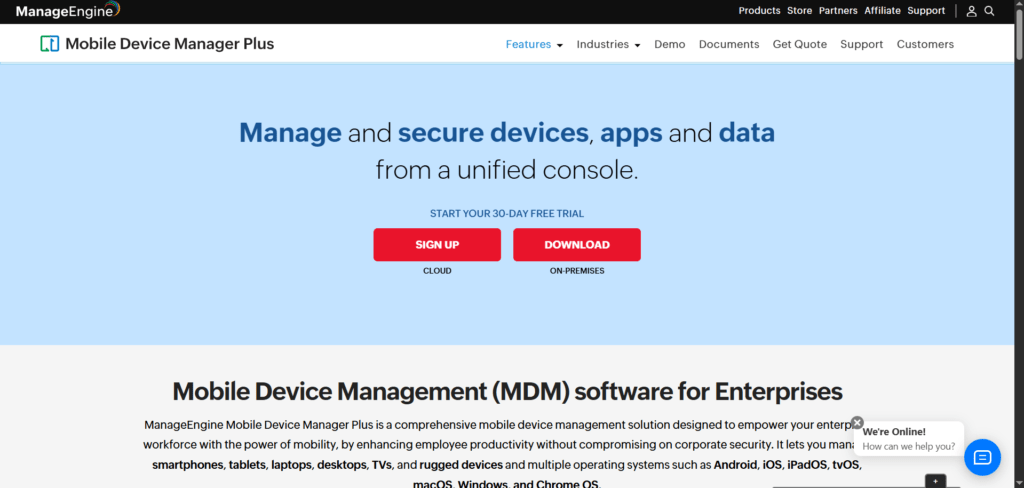
ManageEngine — a division of Zoho Corporation — offers a comprehensive MDM platform that includes GPS location tracking as part of a full enterprise IT management suite. It is particularly well-regarded in the Asia-Pacific region and among IT departments that already use ManageEngine’s endpoint or network monitoring tools.
Pros
- Deep integration with ManageEngine ITSM stack
- On-premises deployment option (data sovereignty)
- Competitive pricing for volume licensing
- Strong geofencing and compliance features
Cons
- UI less polished than Microsoft or Jamf
- Support quality varies by region
- Mobile app somewhat limited vs web console
Pricing:Free up to 25 devices; from $2.00/device/month for Standard edition.
Best For: Mid-to-large IT departments requiring on-premises deployment or those already invested in the ManageEngine ecosystem.
#10
Hexnode UEM (Unified Endpoint Management)
Android & iOSPaid
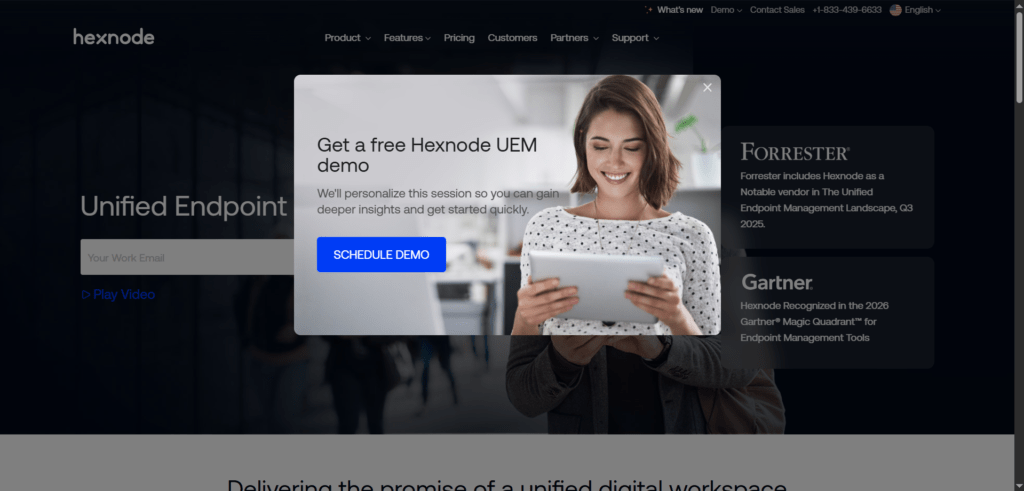
Hexnode is a fast-rising UEM platform that has gained significant traction among mid-market IT companies and educational technology providers. Its standout features include robust kiosk mode management and a genuinely competitive price point that undercuts Jamf and Intune substantially — without sacrificing core tracking and compliance capabilities.
- Real-time GPS tracking with historical location logs
- Geofencing with policy-based automation
- Advanced kiosk lockdown for Android and iOS
- BYOD enrollment with privacy partitioning
- Remote troubleshooting and screen sharing
- Compliance reporting for GDPR and HIPAA
Pros
- Best price-to-feature ratio in the segment
- Excellent kiosk and digital signage management
- Strong BYOD privacy controls
- 24/7 support included at all tiers
Cons
- Smaller ecosystem than Microsoft or Google
- Advanced analytics less mature
- Brand recognition lower in North America
Pricing:From $1.08/device/month (Express). Pro plan at $2.08/device/month. Annual billing.
Best For: Cost-conscious IT departments, EdTech companies, and organizations deploying kiosk or shared-device fleets.
4. Comparison Table
| Name | Headquarters | Key Strength | Pricing (from) | Best For |
|---|---|---|---|---|
| Microsoft Intune | Redmond, WA, USA | Microsoft 365 integration | $8/user/month | Large enterprises |
| Jamf Pro | Minneapolis, MN, USA | Apple-native accuracy | $4.17/device/month | Apple-first orgs |
| Google Workspace MDM | Mountain View, CA, USA | No extra cost for Workspace | $6/user/month | Google-ecosystem SMBs |
| Samsara | San Francisco, CA, USA | 2.5s GPS refresh, field ops | ~$25/user/month | Field teams & logistics |
| Life360 for Business | San Francisco, CA, USA | Ease of use, safety alerts | Free / $19.99/mo | Campus & small teams |
| Prey | Santiago, Chile | Anti-theft forensics | $1.99/device/month | Universities, NGOs |
| Rippling | San Francisco, CA, USA | HR + IT unified platform | $8/user/month | High-growth tech startups |
| Cerberus | Netherlands | Battery efficiency, SMS fallback | ~$3/year | Custom Android hardware |
| ManageEngine MDM+ | Chennai, India | On-premises deployment | $2/device/month | Data sovereignty needs |
| Hexnode UEM | Los Angeles, CA, USA | Price-to-feature ratio | $1.08/device/month | Cost-conscious IT depts |
5. Frequently Asked Questions
Q: What is the best phone tracking app for enterprise IT use in 2026?
A: For large enterprises, Microsoft Intune and Jamf Pro lead the pack — Intune for mixed or Windows-centric environments, Jamf for Apple-first organizations. Both offer enterprise-grade security, compliance reporting, and robust GPS tracking within their MDM frameworks. For budget-conscious teams, Hexnode UEM delivers comparable core features at a significantly lower price point.
Q: Are phone tracking apps legal for use in the workplace?
A: Yes, in most jurisdictions, as long as employees are clearly informed and have provided consent. In the EU, GDPR requires explicit disclosure and a lawful basis for processing location data. In the US, federal law does not prohibit employer tracking of company-owned devices, but several states (including California) require disclosure. Tracking personally-owned (BYOD) devices is far more restricted — always consult legal counsel before deployment.
Q: Can universities use phone tracking apps for student safety?
A: Yes — and many do, particularly for international programs, outdoor field research, and campus emergency response. Apps like Life360 and Prey are widely used in higher education. In the US, FERPA governs how student data is handled, so institutions must ensure any tracking platform complies with it. Tracking should always be opt-in and transparent.
Q: What is the difference between a phone tracking app and an MDM solution?
A: A pure phone tracking app focuses on GPS location — where the device is. An MDM (Mobile Device Management) solution includes location as one feature among many, also covering app management, security policy enforcement, remote wipe, compliance reporting, and more. For IT departments, MDM solutions like Intune or Jamf are the better choice. Standalone tracking apps suit simpler needs like field worker safety or anti-theft.
6. Conclusion & Recommendation
The right phone tracking app for your organization depends on what problem you are actually trying to solve. If the answer is enterprise security and policy enforcement at scale, Microsoft Intune or Jamf Pro are the benchmarks. If you need real-time field operations tracking, Samsara has no serious rival on refresh speed and geofencing automation. For educational institutions balancing safety with student privacy, Prey and Life360 offer the best blend of cost, usability, and institutional credibility.
Hexnode deserves special mention for any IT team operating under budget pressure — it genuinely competes with Intune and Jamf on features while costing a fraction of the price. And for organizations that prioritize data sovereignty, ManageEngine’s on-premises option is difficult to replicate elsewhere in the market.
Before deploying any solution, document your consent processes, review your jurisdiction’s data protection requirements, and run a pilot with a small device cohort. The best tracking app is one your team will actually use — and one your employees or students will trust.
Ready to find your fit?
Start by shortlisting the two or three tools that match your platform (Android/iOS/both), your device count, and your compliance requirements. Most platforms offer a free trial or a demo — take advantage of them before signing an annual contract. Your IT team and your users will thank you for doing the homework now.