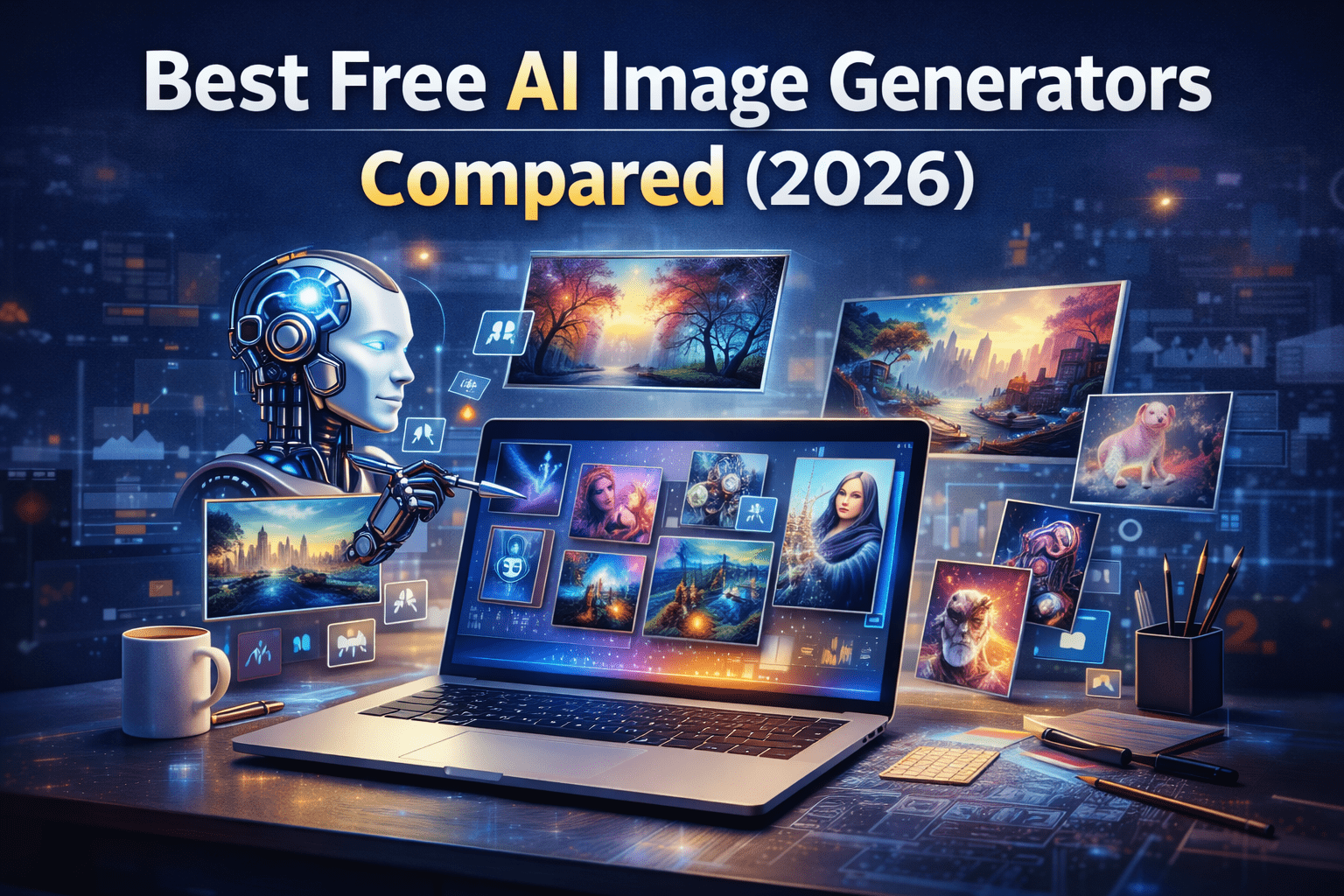
Artificial Intelligence has revolutionized digital creativity. In 2026, AI image generators allow anyone to create stunning graphics, illustrations, and realistic visuals using simple text prompts.
Whether you are a blogger, designer, marketer, or content creator, AI tools can save time and produce high-quality images instantly.
This guide compares the best free AI image generators available today.
What Is an AI Image Generator?
An AI image generator is a tool that converts text descriptions into visual images using advanced machine learning models.
For example, you can type a prompt like:
“A futuristic city at sunset with flying cars”
The AI will generate a realistic or artistic image based on the description.
These tools are widely used for:
- Blog featured images
- Marketing graphics
- Social media visuals
- Concept art
- Product mockups
Why AI Image Generators Are Popular in 2026
Several factors have driven their popularity:
- Faster content creation
- Lower design costs
- No advanced design skills required
- Unlimited creative possibilities
- Integration with marketing platforms
Businesses and creators now rely on AI to produce visuals quickly and efficiently.
Best Free AI Image Generators Compared
Below are some of the most powerful free AI image generators available.
1. DALL·E
Overview
This advanced AI model creates detailed images from text prompts and is widely used for professional graphics and creative artwork.
Key Features
- High-quality realistic images
- Creative artistic styles
- Detailed prompt interpretation
- Fast image generation
Best For
- Blog featured images
- Concept design
- Marketing visuals
Limitations
- Some features require premium access.
2. Stable Diffusion
Overview
An open-source AI model that allows users to generate and customize images with high flexibility.
Key Features
- Highly customizable
- Supports local installation
- Multiple art styles
- Strong community support
Best For
- Developers
- Advanced creators
- Custom AI workflows
Limitations
- Requires technical setup for full control.
3. Leonardo AI
Overview
A popular AI art platform designed for game developers and designers.
Key Features
- High-quality artistic images
- Character design tools
- Game asset generation
- Fast rendering
Best For
- Game designers
- Concept artists
- Creative professionals
Limitations
- Free plan has limited generations.
4. Canva AI Image Generator
Overview
This platform integrates AI image generation with its design tools, making it perfect for marketers and beginners.
Key Features
- Easy-to-use interface
- Built-in templates
- Social media design tools
- Quick image editing
Best For
- Bloggers
- Social media creators
- Marketing teams
Limitations
- Less advanced image realism compared to dedicated AI tools.
5. Bing Image Creator
Overview
A powerful and completely free AI image generator that uses advanced models to create realistic images.
Key Features
- Completely free access
- Fast generation
- High-quality images
- Works directly in the browser
Best For
- Beginners
- Bloggers
- Quick creative tasks
Limitations
- Limited customization options.
Comparison Table
| Tool | Best For | Ease of Use | Image Quality |
|---|---|---|---|
| DALL·E | Professional visuals | Easy | Excellent |
| Stable Diffusion | Advanced creators | Moderate | Excellent |
| Leonardo AI | Game design | Easy | Very High |
| Canva AI | Marketing graphics | Very Easy | Good |
| Bing Image Creator | Beginners | Very Easy | Very Good |
How to Choose the Right AI Image Generator
Selecting the right tool depends on your needs.
For Bloggers
Choose tools that generate quick featured images.
Recommended:
- Canva AI
- Bing Image Creator
For Designers
You need higher creative control.
Recommended:
- Stable Diffusion
- Leonardo AI
For Marketers
Focus on tools integrated with design platforms.
Recommended:
- Canva AI
- DALL·E
Tips for Creating Better AI Images
Write Detailed Prompts
Example:
Instead of:
“A dog”
Write:
“A golden retriever puppy sitting in a sunny park with flowers, realistic photography style”
Detailed prompts produce better images.
Experiment with Styles
Try different styles such as:
- Realistic photography
- Cartoon illustration
- Cyberpunk
- Watercolor painting
Different styles create unique visuals.
Use Image Editing Tools
After generating images, refine them with editing tools to improve quality and branding.
Advantages of AI Image Generators
- Fast visual creation
- Cost-effective design solution
- Creative flexibility
- Ideal for content creators
- Scalable production
Limitations of Free AI Image Tools
Despite their power, free tools still have some limitations:
- Generation limits
- Watermarks on some platforms
- Restricted commercial use
- Less control over advanced settings
Premium plans usually unlock more features.
Future of AI Image Generation
AI image generation technology continues to evolve rapidly.
Future improvements may include:
- Ultra-realistic rendering
- Real-time video generation
- 3D asset creation
- AI-assisted design workflows
This technology will play a major role in digital creativity and marketing.
Final Thoughts
AI image generators have transformed how creators produce visual content. With the right tool, anyone can generate professional graphics without advanced design skills.
Whether you’re a blogger, marketer, or designer, experimenting with different AI platforms will help you find the best fit for your workflow.
Start with free tools, learn prompt design, and gradually explore advanced features to unlock the full potential of AI creativity.
“This article is part of our Complete Guide to AI & Technology “