
A professional WordPress website is built with intention. It communicates trust, works smoothly, and makes visitors feel confident from the first click. While design plays a role, professionalism comes from a combination of structure, performance, clarity, and consistency.
This article explains how WordPress websites are refined into polished, credible platforms using practical design decisions and reliable tools that experienced site owners commonly rely on.
1. Establish a Clear Purpose Before Any Design Work
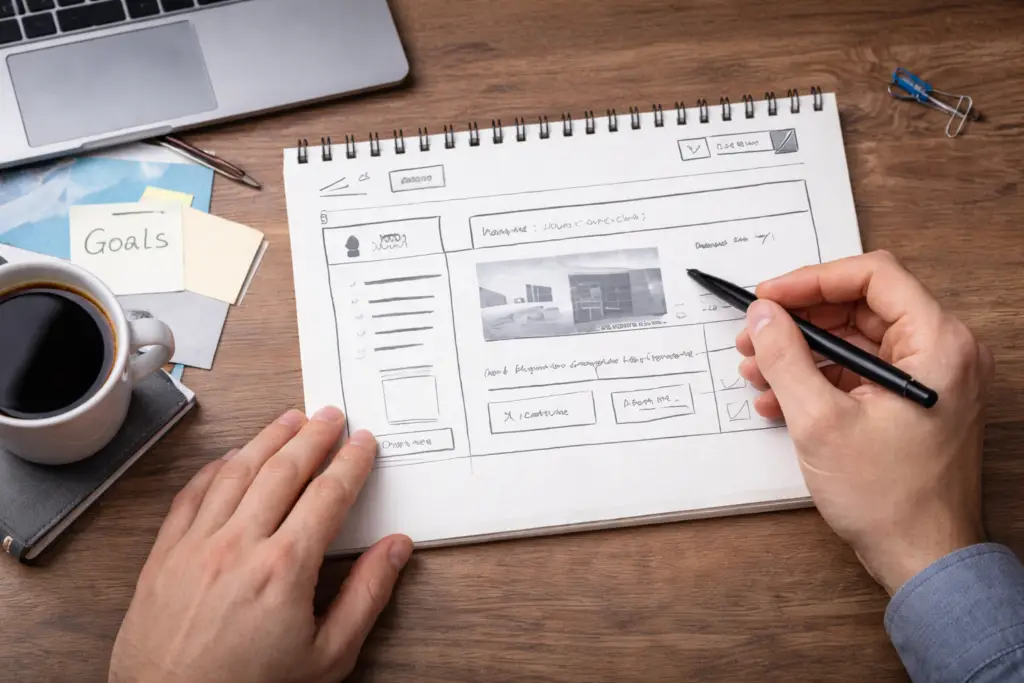
Well-designed websites begin with clarity, not colors or layouts.
When a site lacks direction, it often feels cluttered. Pages overlap in purpose, navigation becomes confusing, and visitors struggle to understand what the site is offering. A professional website avoids this by defining its purpose early.
Before any theme or plugin is installed, the site owner should identify:
- The primary audience
- The main action visitors should take
- The core pages that support that goal
For instance, a content-focused blog benefits from visible categories and featured articles, while a service-based website should guide users toward service details and contact options. This clarity influences every design and content decision that follows.
2. Select a Modern Theme That Prioritizes Performance
Themes form the foundation of a WordPress website’s appearance and behavior.
A professional theme is not overloaded with unnecessary features. Instead, it focuses on speed, responsiveness, and clean design. Visitors should experience the same quality whether they are browsing on a phone or a large screen.
Reliable themes typically:
- Adapt smoothly to all screen sizes
- Receive regular developer updates
- Offer clean typography and spacing
- Load quickly without heavy scripts
Trusted Theme Choices:
- Astra – Known for speed and flexibility
- GeneratePress – Minimal, performance-oriented
- Kadence – Strong layout and typography controls
- OceanWP – Versatile for varied website types
Choosing a well-maintained theme reduces future issues and improves long-term site stability.
3. Gain Layout Control Using a Page Builder
Professional websites rarely rely on default layouts alone. Page builders provide control over spacing, structure, and visual hierarchy without requiring custom code.
A good page builder allows content to breathe. Sections are clearly defined, important information stands out, and pages feel intentionally structured rather than auto-generated.

Commonly Used Page Builders:
- Elementor – Widely adopted and design-focused
- Gutenberg (Block Editor) – Lightweight and steadily improving
- Bricks Builder – Performance-driven and developer-friendly
These tools are especially effective for building homepage layouts, feature sections, and conversion-focused pages when used with restraint.
4. Improve Visual Quality Through Image Optimization
Images strongly influence how professional a website appears.
Poor-quality visuals or oversized images can undermine trust and slow down performance. A refined WordPress website uses visuals that are relevant, consistent in style, and properly optimized.
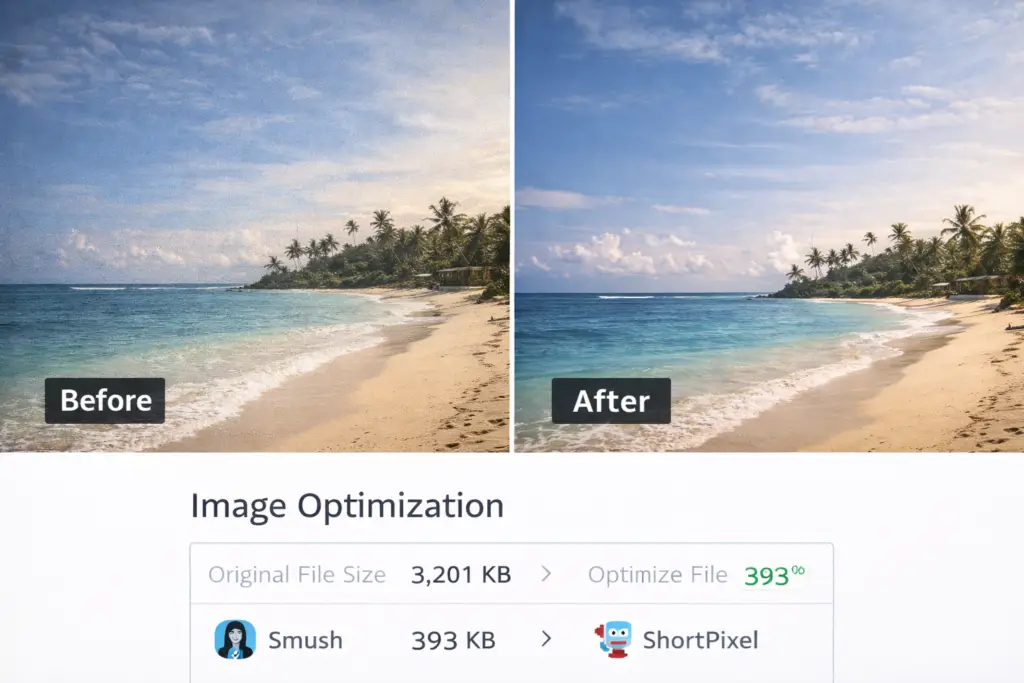
Professional image practices include:
- Using clear, well-composed images
- Maintaining a consistent visual tone
- Reducing file sizes without visible quality loss
Reliable Image Optimization Plugins:
- Smush – Automatic compression for beginners
- ShortPixel – Advanced optimization with quality control
- Imagify – Balanced compression and ease of use
Optimized visuals help maintain speed while reinforcing the site’s overall polish.
5. Refine Typography for Better Readability
Typography quietly shapes the user experience.
Text that is difficult to read creates friction, no matter how strong the content is. Professional websites use typography that feels natural and easy on the eyes.
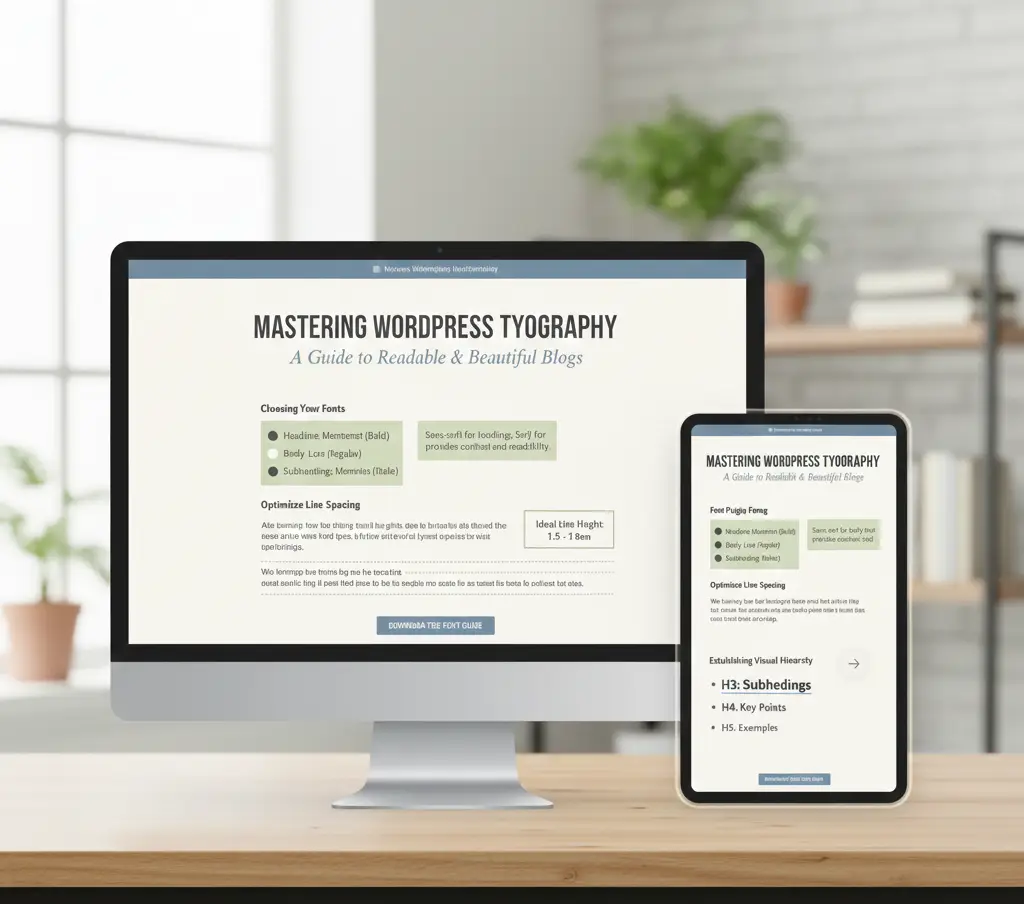
Effective typography includes:
- Clear font choices
- Logical heading hierarchy
- Comfortable spacing between lines and sections
Helpful Typography Tools:
- Google Fonts Typography – Simple font management
- Kadence Blocks – Fine control over text and layout
Limiting font variety helps maintain consistency and avoids visual distraction.
6. Maintain Visual Consistency Across the Website
Consistency is one of the strongest indicators of professionalism.
When buttons change style, colors vary randomly, or headings look different on each page, the website feels unfinished. A professional WordPress site applies the same design rules everywhere.
Consistency typically involves:
- Unified color usage
- Standardized button styles
- Predictable heading formats
Tools That Support Consistency:
- Built-in theme customizers
- Elementor Global Styles
- CSS Hero for advanced styling
Consistent design reinforces brand identity and improves user confidence.
7. Optimize Speed to Enhance User Trust
Speed is closely tied to credibility.
Visitors notice delays immediately, even if they don’t consciously think about load times. Professional websites feel responsive, allowing users to interact without interruption.

Performance optimization focuses on:
- Caching
- Reducing unnecessary scripts
- Optimizing media files
Popular Performance Plugins:
- WP Rocket – Simple and effective for most sites
- LiteSpeed Cache – Ideal for compatible servers
- W3 Total Cache – Advanced configuration options
Regular testing helps ensure performance remains stable as the site grows.
8. Simplify Navigation to Improve Usability
Good navigation rarely draws attention to itself.
When visitors can move through a website naturally, they stay longer and engage more. Professional navigation is intuitive, predictable, and aligned with user expectations.
Strong navigation includes:
- Clear menu labels
- Logical page order
- Helpful internal links
Navigation Enhancement Plugins:
- WP Mega Menu – Structured and flexible menus
- Breadcrumb NavXT – Adds location awareness for users
Smooth navigation improves both user experience and search visibility.
9. Guide Visitors with Clear Calls to Action
Professional websites guide users toward meaningful actions.
Calls to action should feel helpful rather than pushy. They exist to clarify the next step, whether that’s reading content, contacting the business, or downloading a resource.
Examples of effective CTAs include:
- “Explore Recent Articles”
- “Request a Quote”
- “Contact the Team”
Useful CTA Tools:
- Elementor Buttons
- WP Call Button
- Convert Pro for advanced targeting
Placement and clarity matter more than quantity.
10. Strengthen Credibility with Social Proof
Trust is earned, not assumed.
Professional websites often show evidence that others have had positive experiences. This reassures new visitors and reduces hesitation.
Common forms of social proof include:
- Testimonials
- Reviews
- Case highlights
Trusted Social Proof Plugins:
- Strong Testimonials
- TrustPulse
- WP Social Proof
Genuine feedback adds authenticity and credibility to the site.
11. Protect the Site with Proper Security Measures
Security issues quickly damage trust.
A professional WordPress website actively protects itself from threats. This includes securing login pages, monitoring file changes, and blocking malicious activity.

Widely Used Security Plugins:
- Wordfence – Firewall and malware scanning
- iThemes Security – Login and file protection
- Sucuri – Cloud-based security monitoring
Strong security reassures both visitors and site owners.
12. Improve Visibility with Smart SEO Practices
Professional websites are built to be found.
Search engine optimization helps ensure that content reaches the right audience. SEO should support readability, not override it.
Trusted SEO Plugins:
- Rank Math – Feature-rich and modern
- Yoast SEO – Reliable and beginner-friendly
Good SEO practices improve rankings while preserving content quality.
13. Maintain the Website Regularly
Professionalism requires upkeep.
Outdated plugins, broken links, and neglected backups eventually harm performance and trust. Routine maintenance keeps the website stable and reliable.

Maintenance typically includes:
- Updating plugins and themes
- Monitoring site activity
- Creating regular backups
Maintenance Plugins:
- UpdraftPlus – Backup management
- Broken Link Checker
- WP Activity Log
Consistent maintenance prevents long-term issues.
Final Thoughts
A professional WordPress website is the result of thoughtful decisions, not shortcuts. When design, performance, security, and content work together, the site feels reliable and purposeful.
By focusing on clarity, usability, and real user needs, WordPress websites can stand out as credible, polished, and worth returning to—both for visitors and search engines.